Family Overview
ConVoid uses its own Revit families to represent openings. These families contain built-in parameters, formulas, and 3D geometry that ConVoid needs for creation, updates, tracking, and coordination.
The families are installed with ConVoid at \Documents\conclass\Revit Content\%year%\%language% and are available in English, German, French, Spanish, Portuguese (Brazilian), Italian, Polish, and Czech for Revit 2023-2027. If missing, download them here.
Copy the families to a shared server location so all team members load from the same path. See Installation for details.
Before editing any ConVoid family, read the Do's and Don'ts chapter.
All Families
There are 32 free ConVoid families, organized by orientation and type.
Horizontal Families (Generic Models)
Common host elements for horizontal openings are walls and beams.
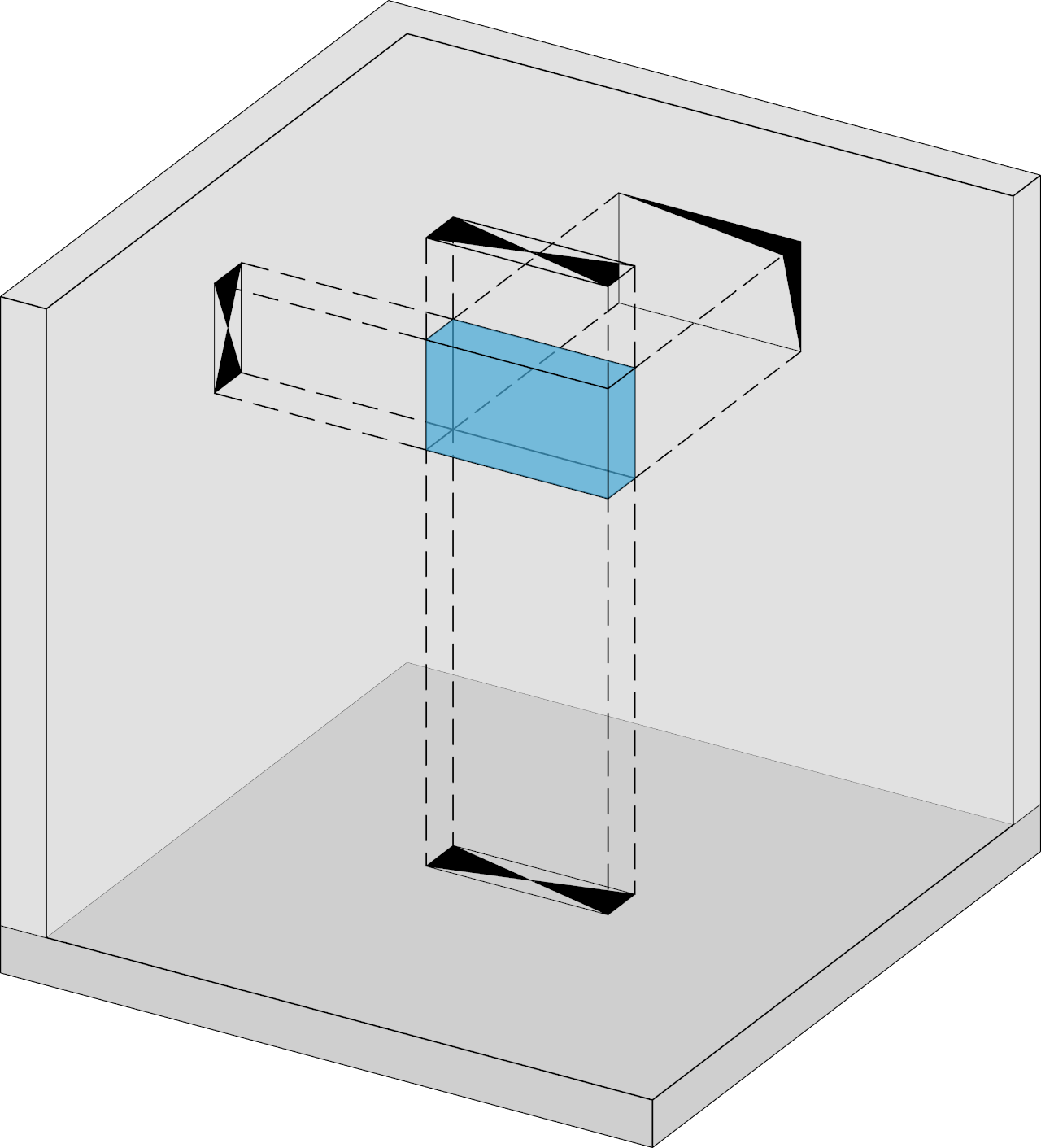
CC Horizontal Opening Rectangle
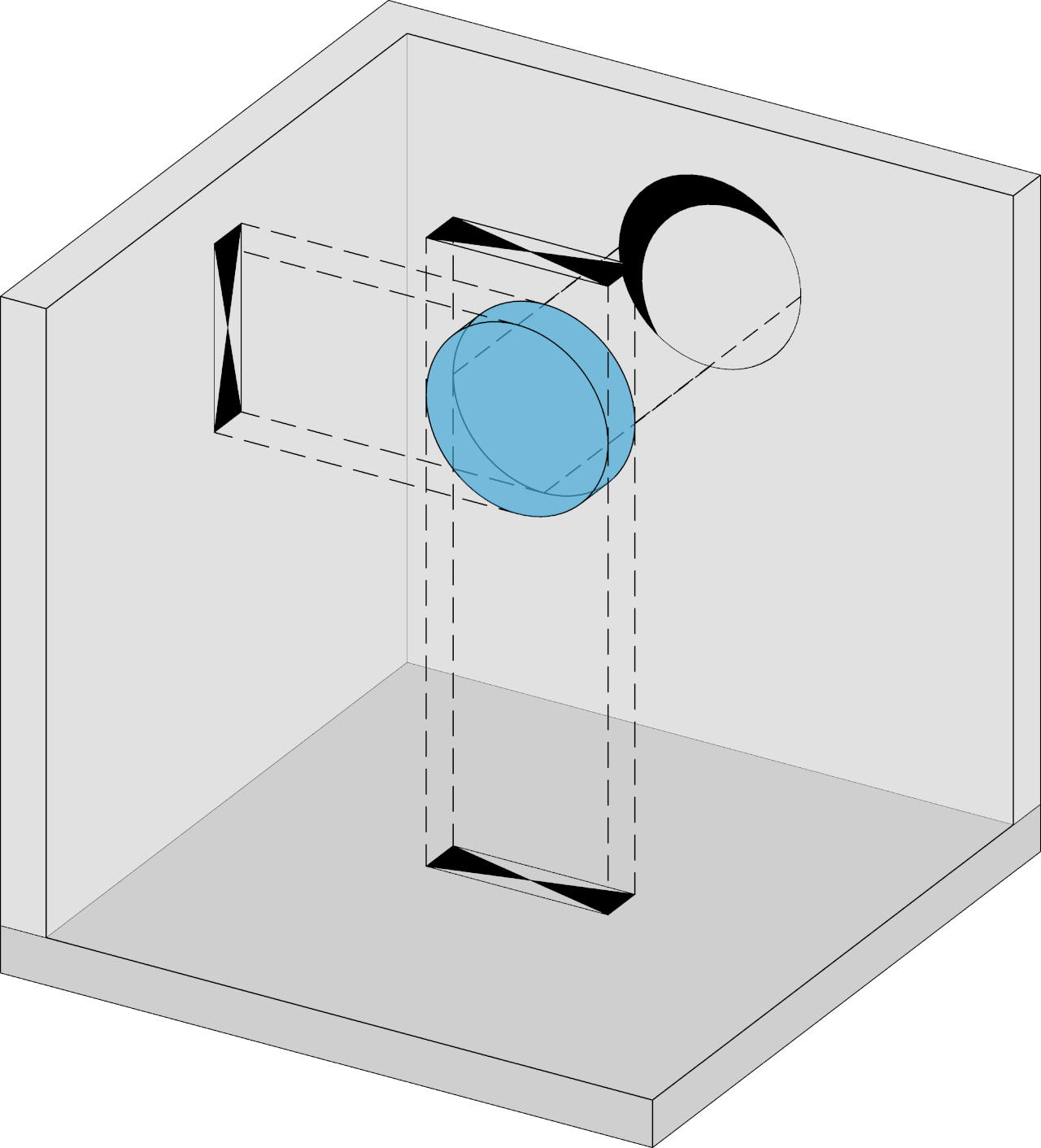
CC Horizontal Opening Circular
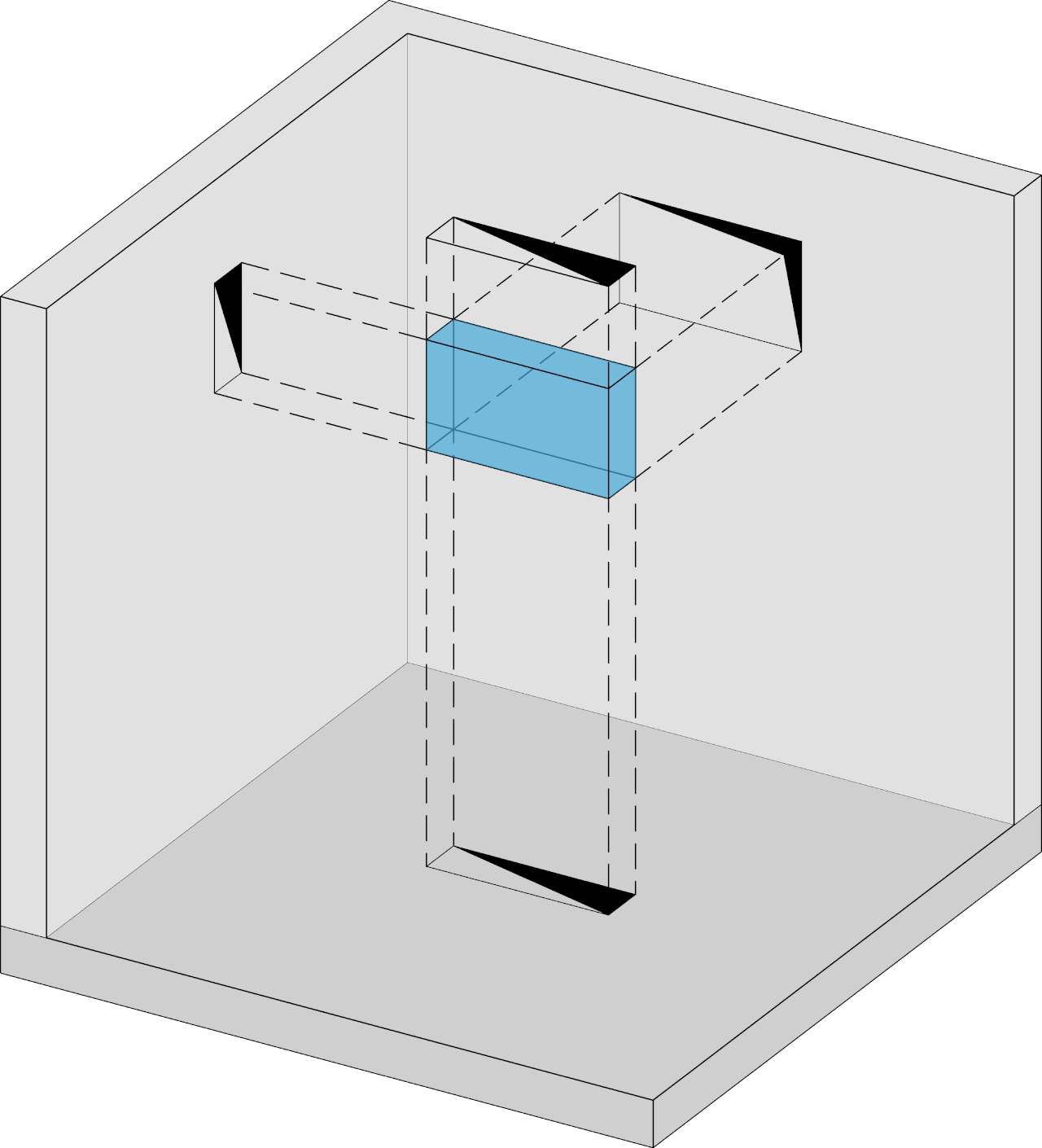
CC Horizontal Recess Rectangle
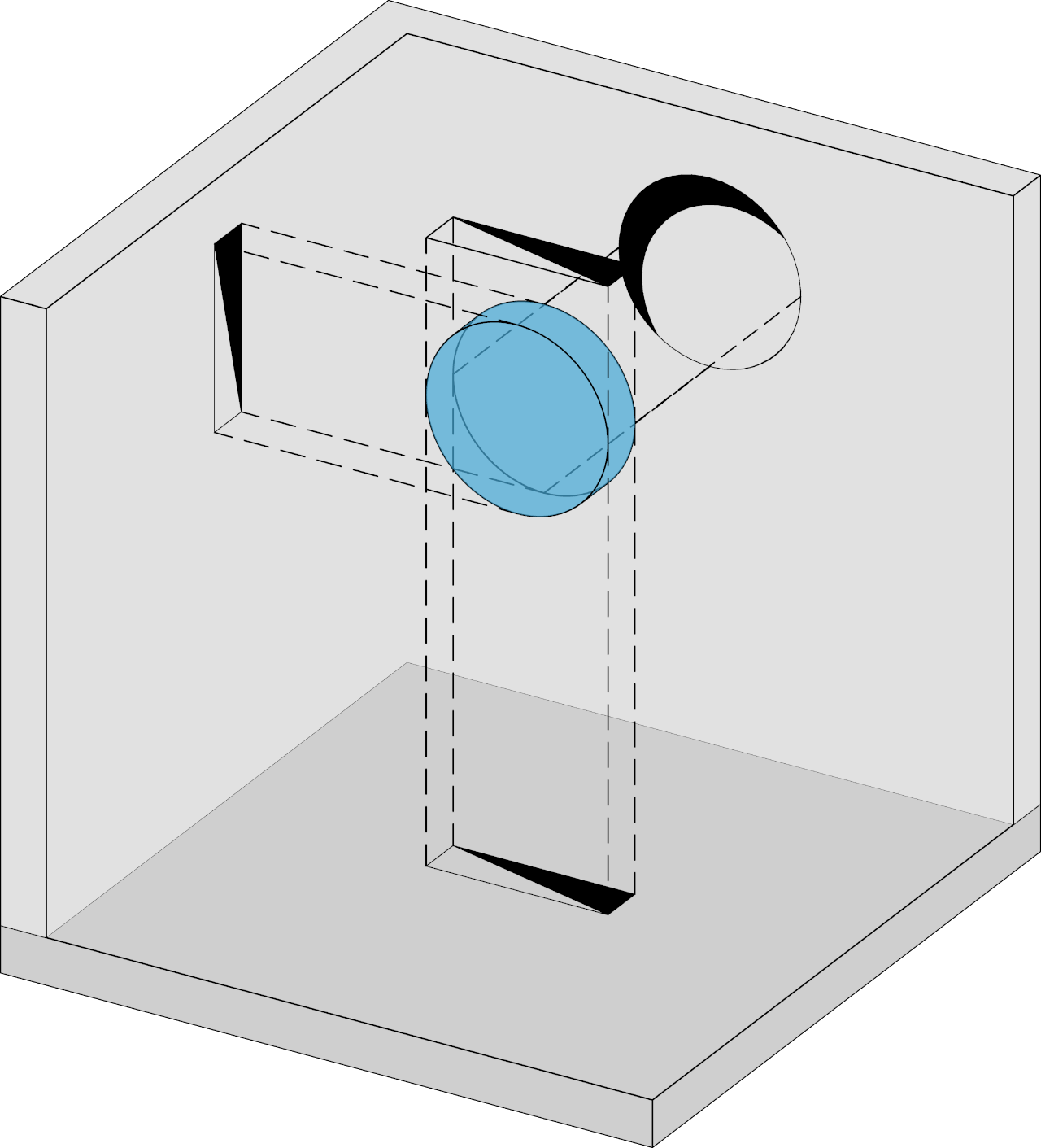
CC Horizontal Recess Circular
Vertical Families (Generic Models)
Common host elements for vertical openings are floors, ceilings, and roofs.
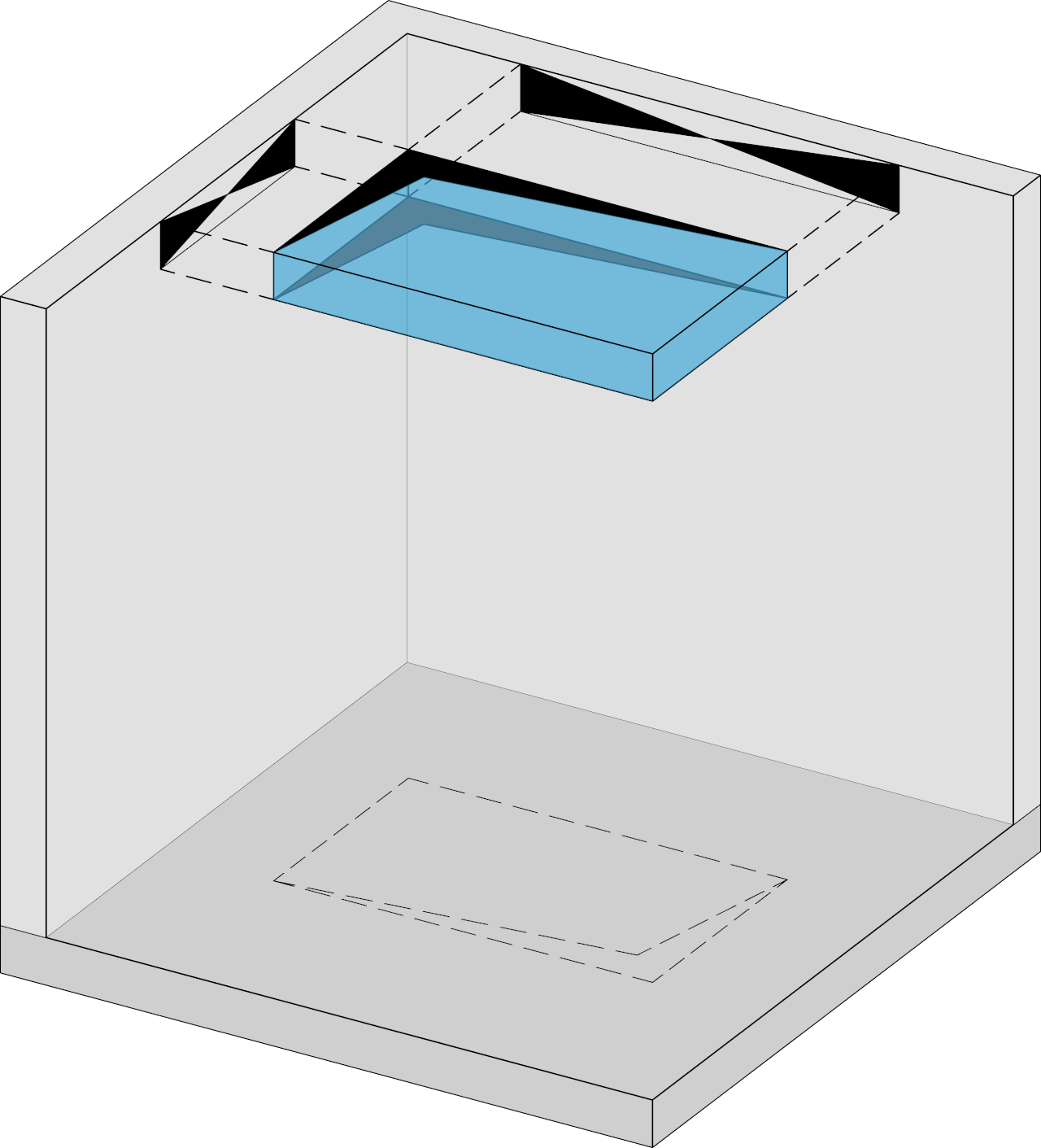
CC Vertical Opening Rectangle
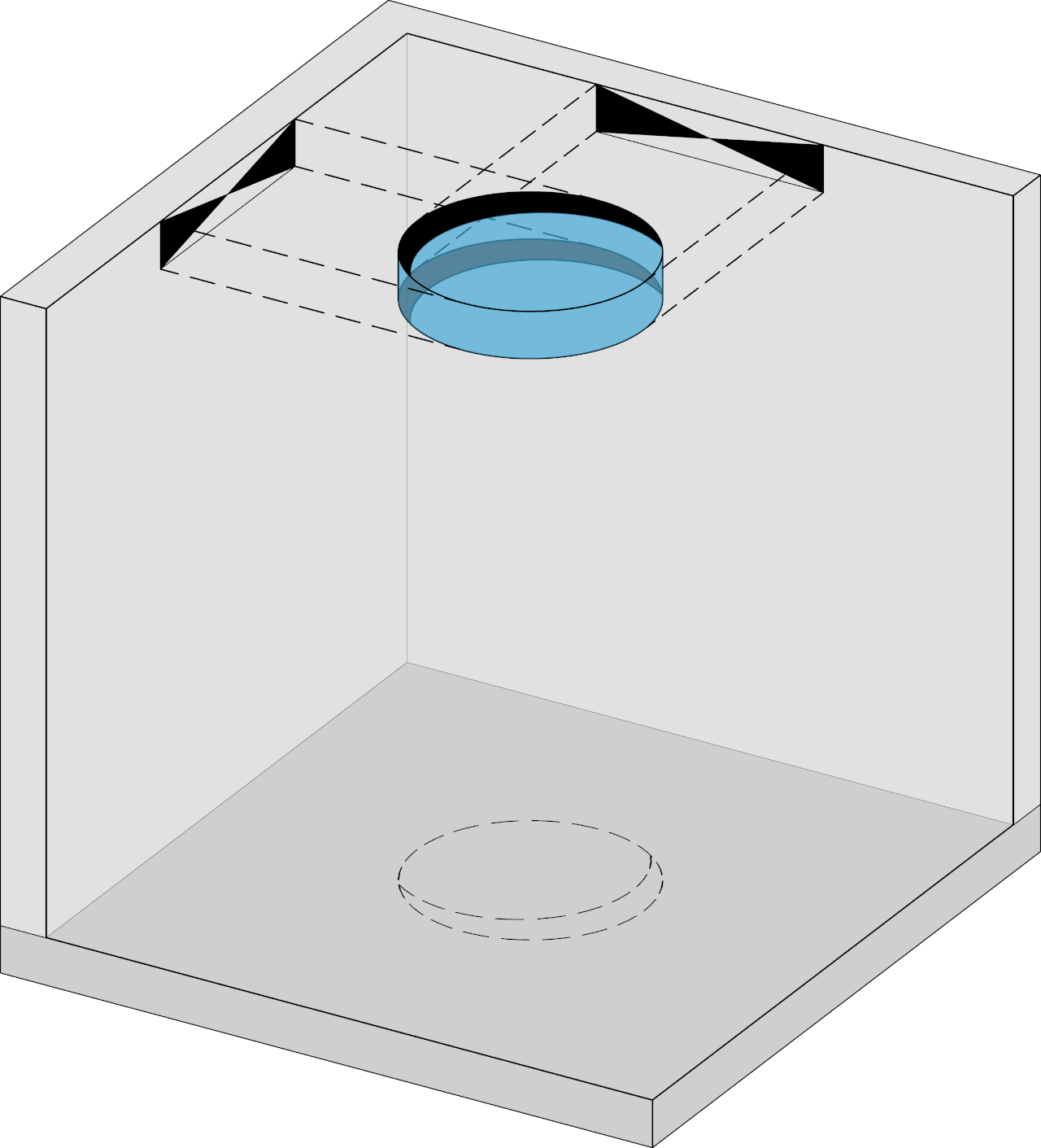
CC Vertical Opening Circular
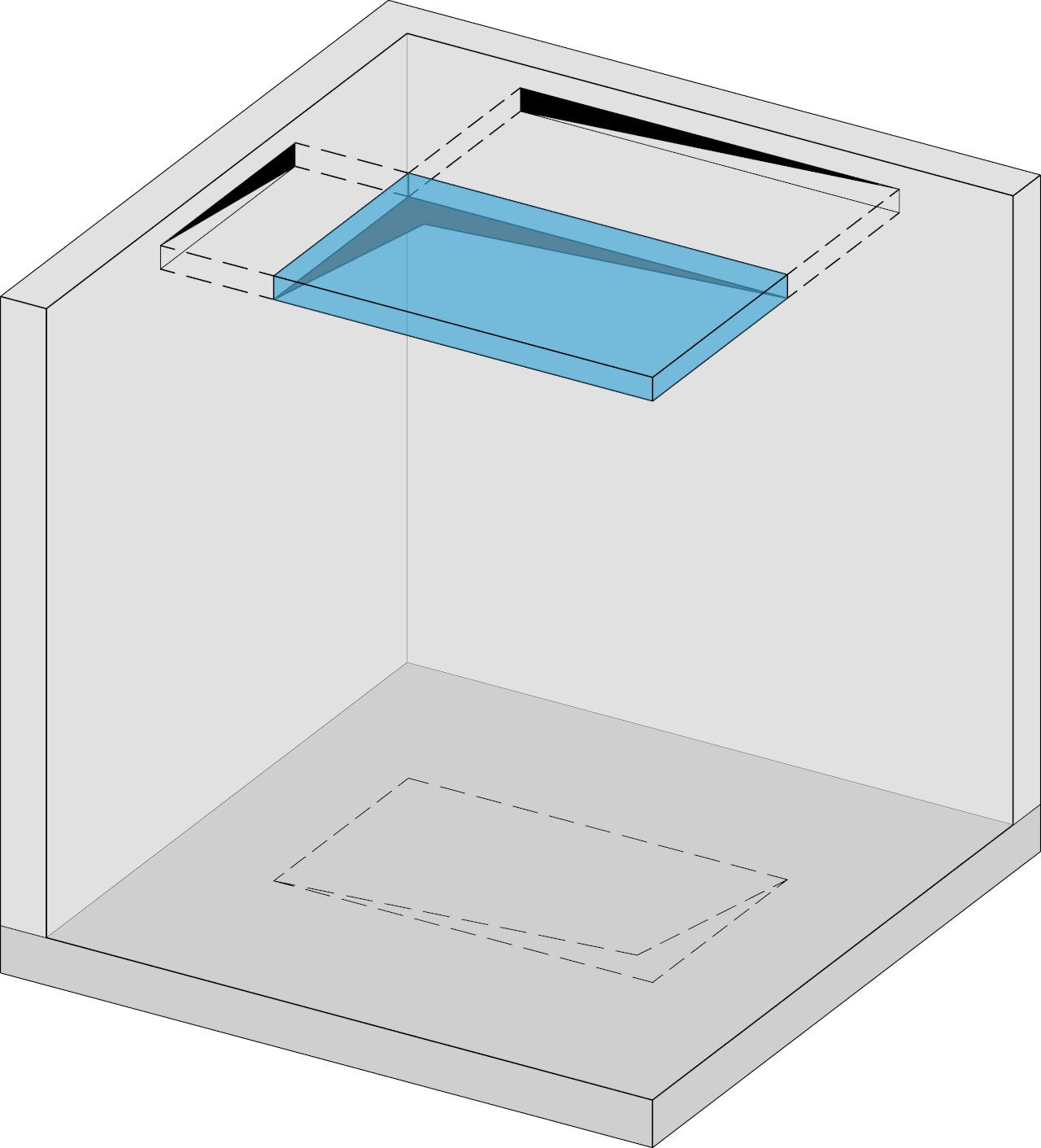
CC Vertical Recess Rectangle
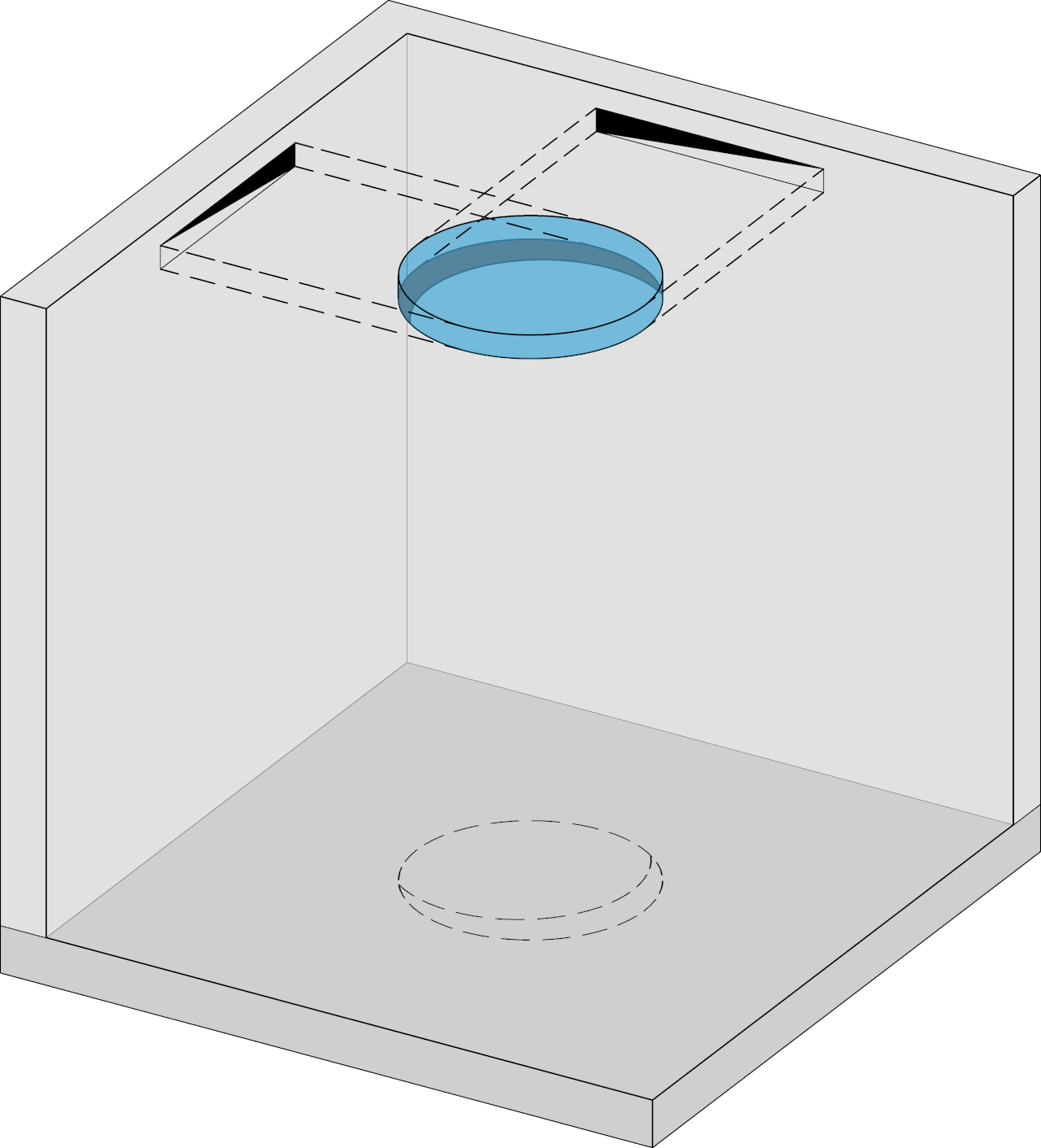
CC Vertical Recess Circular
Polygonal Families (Generic Models)
For non-rectangular, non-circular openings with 3 to 12 sides. These are adaptive components (Generic Model Adaptive), level and face based.
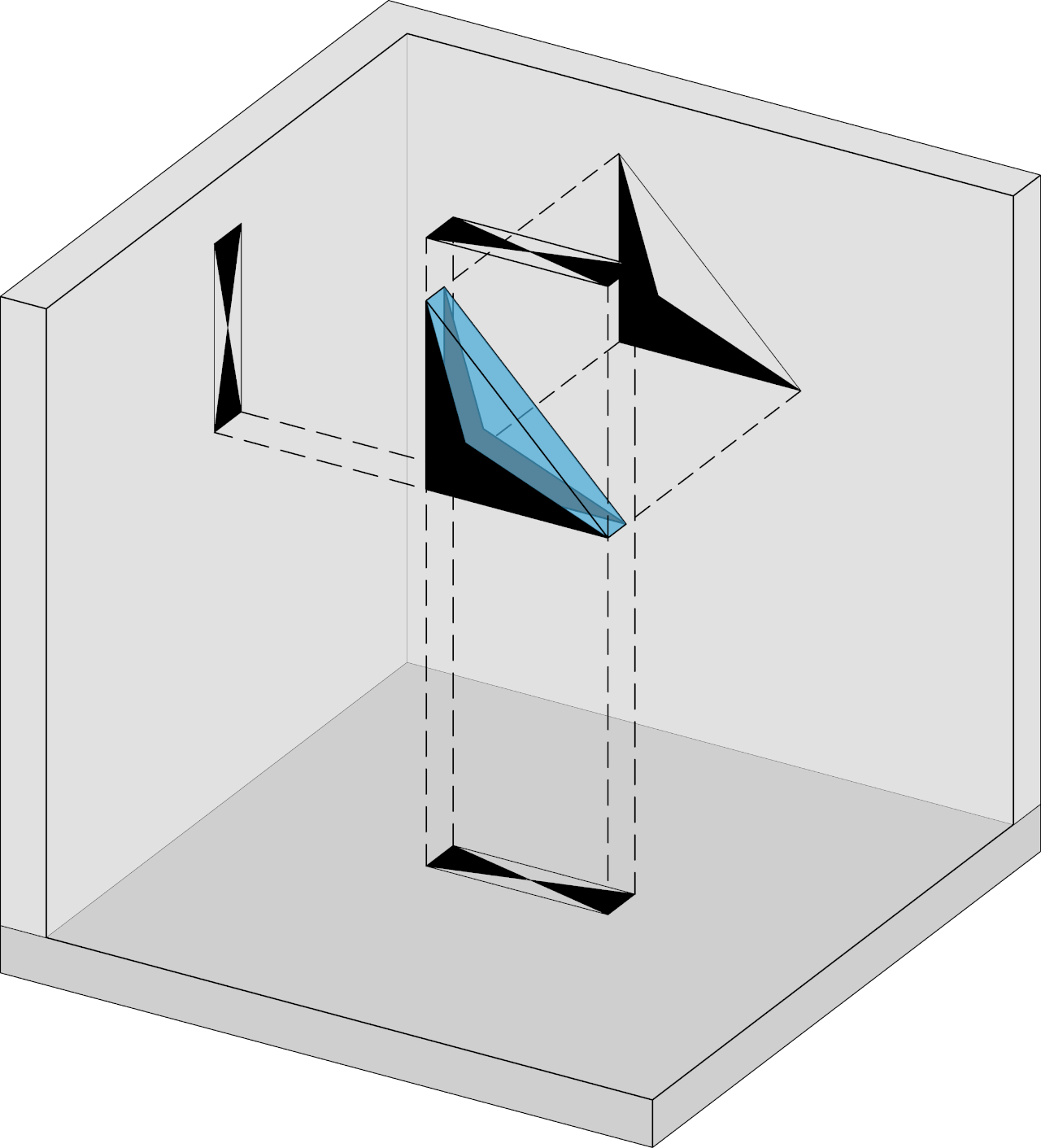
CC Horizontal Opening Polygon 3–12 Sides
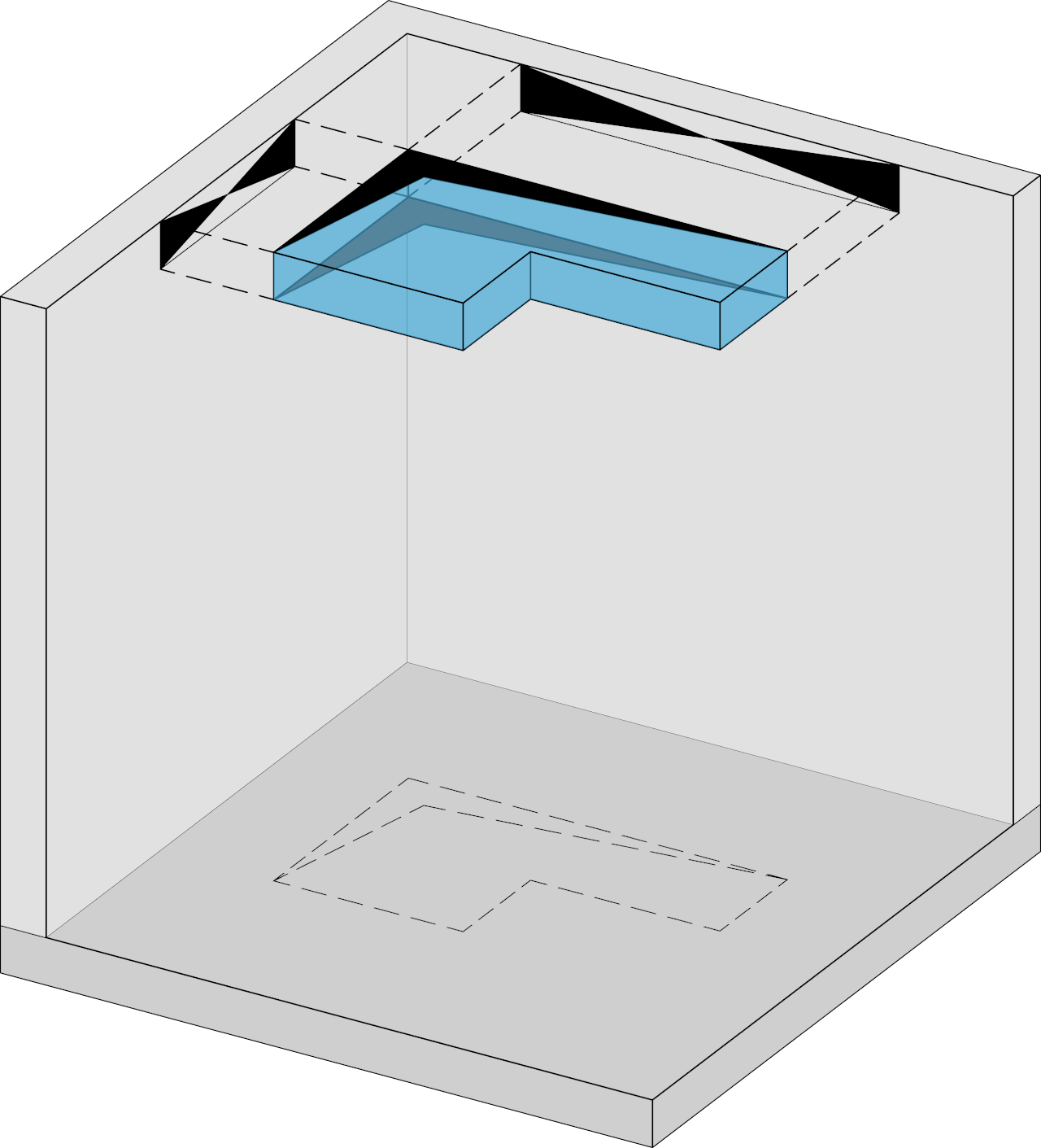
CC Vertical Opening Polygon 3–12 Sides
Structural Families (Doors and Windows)
Used with Workflow C. These are wall-hosted, face-based families.
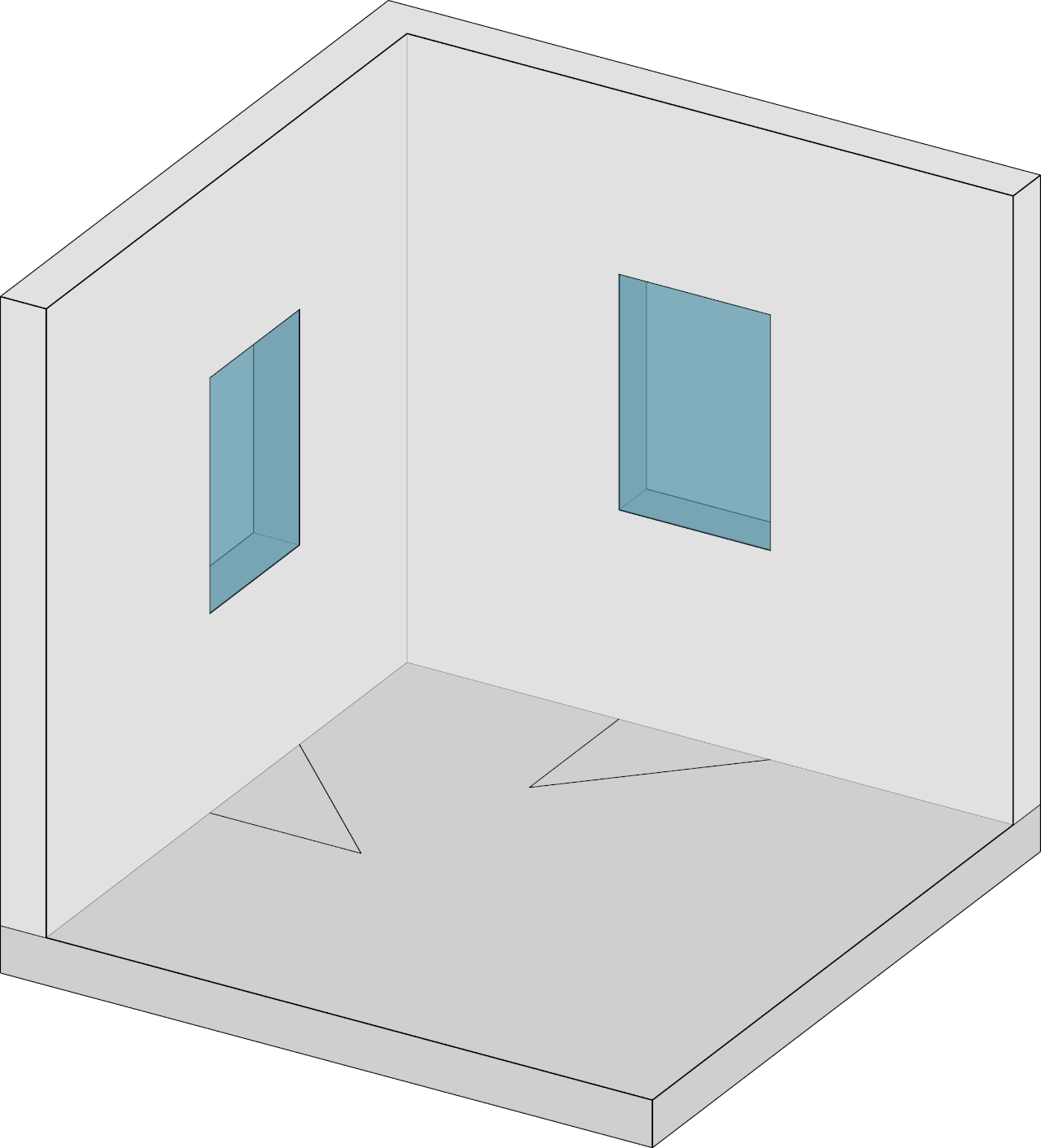
CC Structural Opening – Window
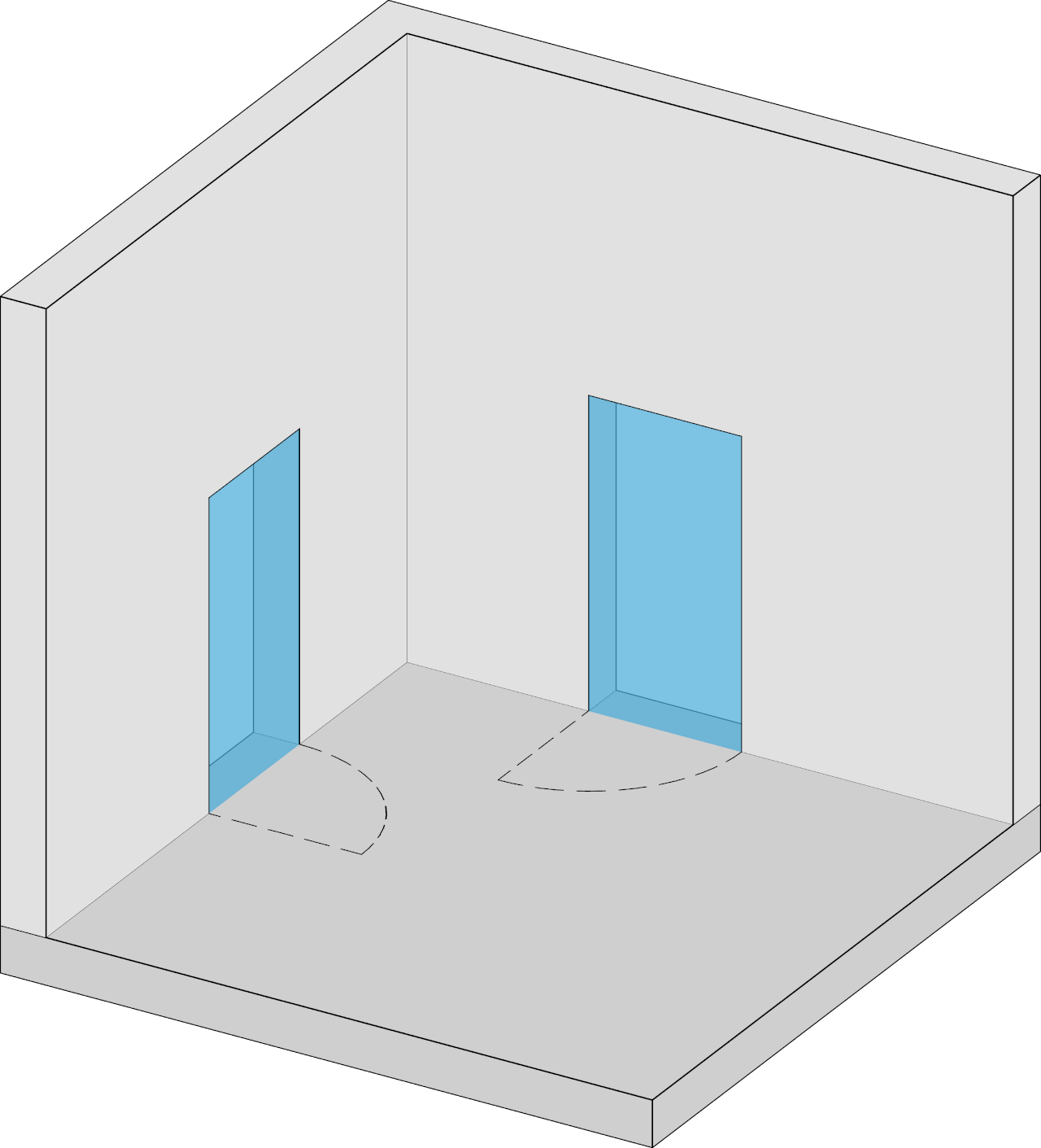
CC Structural Opening – Door
Annotation Family
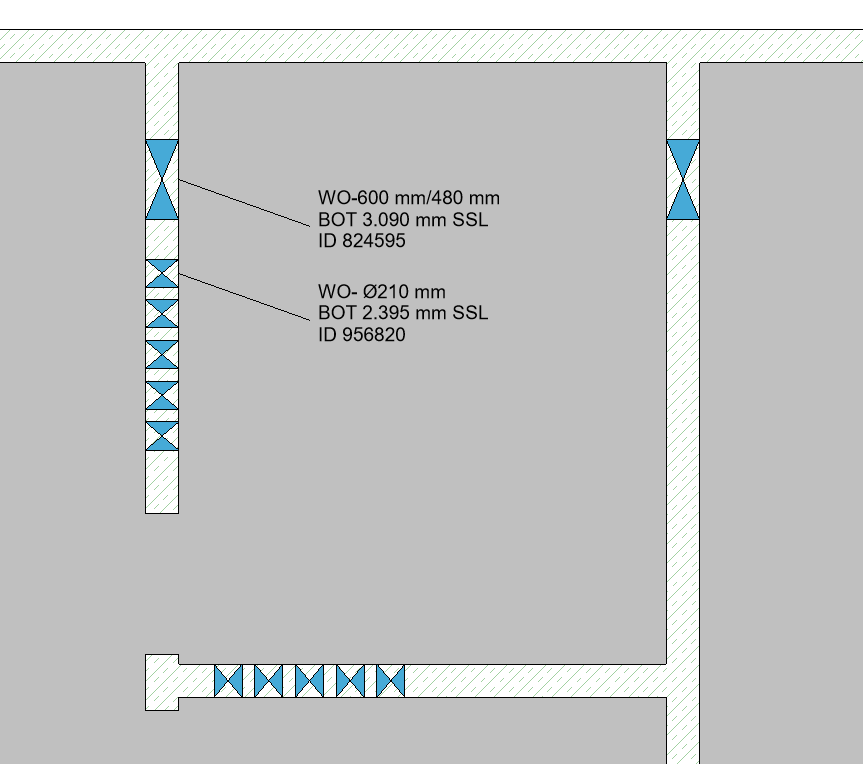
CC Annotation Void
Used by the Smart Tag feature. Unlike the opening families, the annotation family has no restrictions: you can freely add, delete, or rename parameters, change fonts and units, or create your own tag family using ConVoid shared parameters.
To customize the annotation family, see Edit Annotation.
Clash Marker
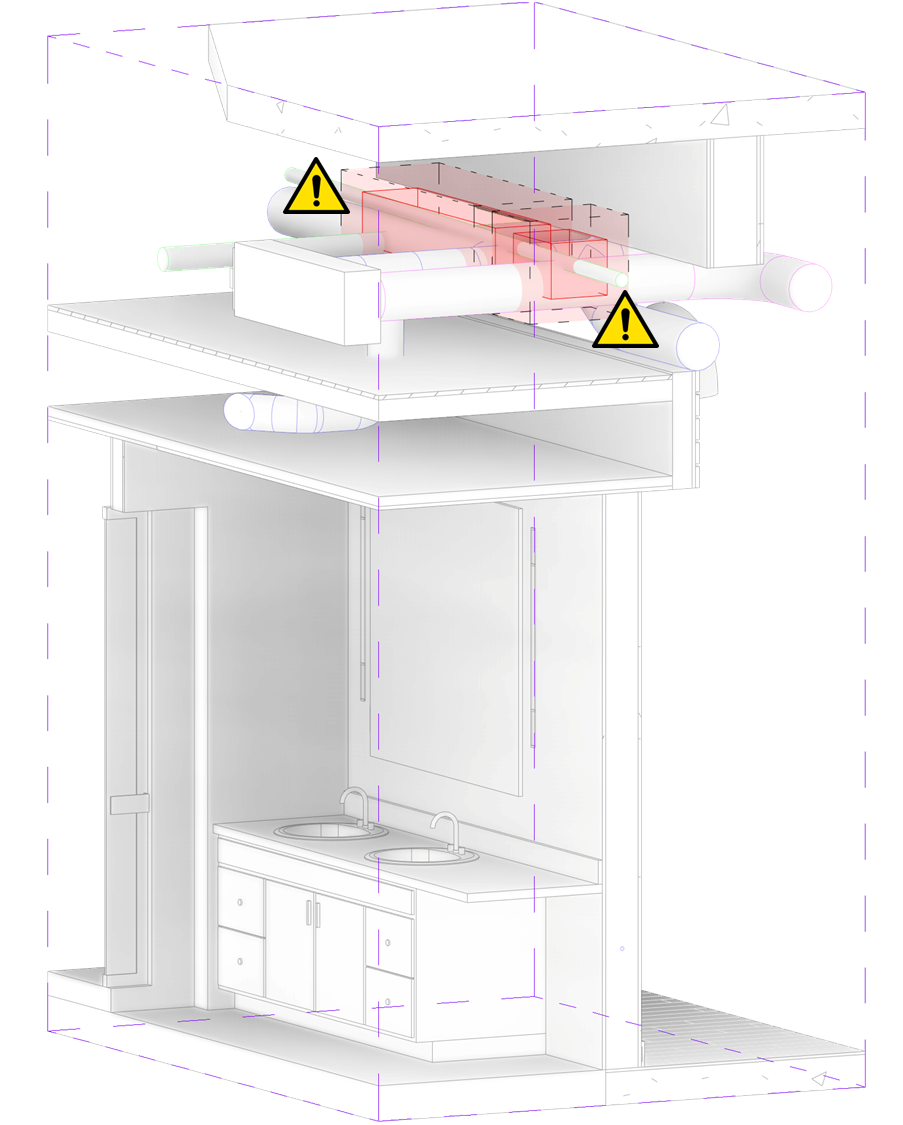
CC Clash Marker
Used by the Clash Detection feature to mark clashes in 2D and 3D views.