Define the Creation Scope
ConVoid processes openings based on the active Revit view. You control the scope by levels or a 3D section box.
Video Tutorial
- Workflow A: Create Openings
- Workflow B: Adopt Openings
- Workflow C: Structural Openings
Option 1: Floor or Ceiling Plan (2D View)
Open a 2D view and, if you want to limit the visible area, activate the Crop View. ConVoid will only process openings within the displayed area of the active view.
- Workflow A: Create Openings
- Workflow B: Adopt Openings
- Workflow C: Structural Openings
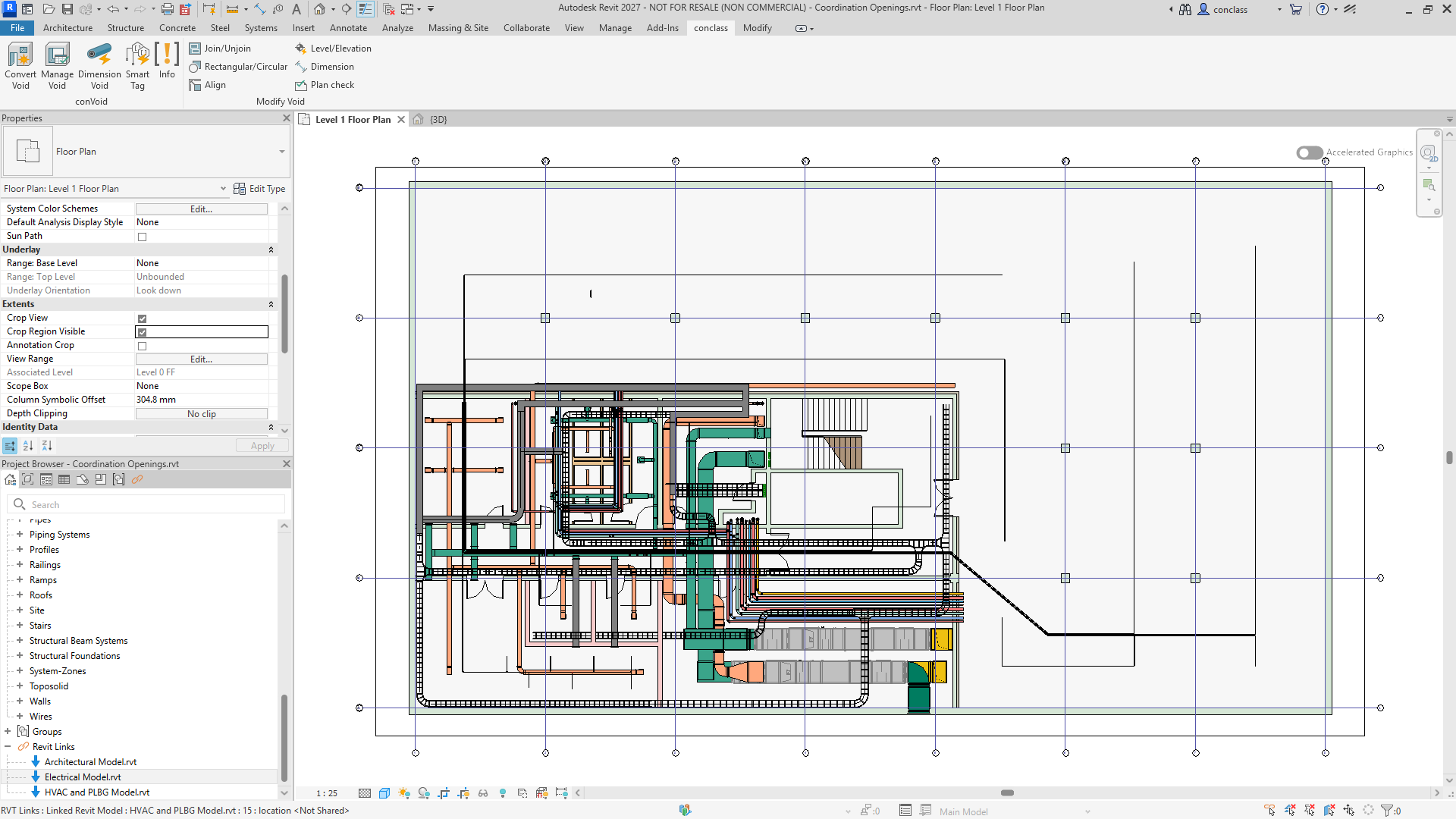
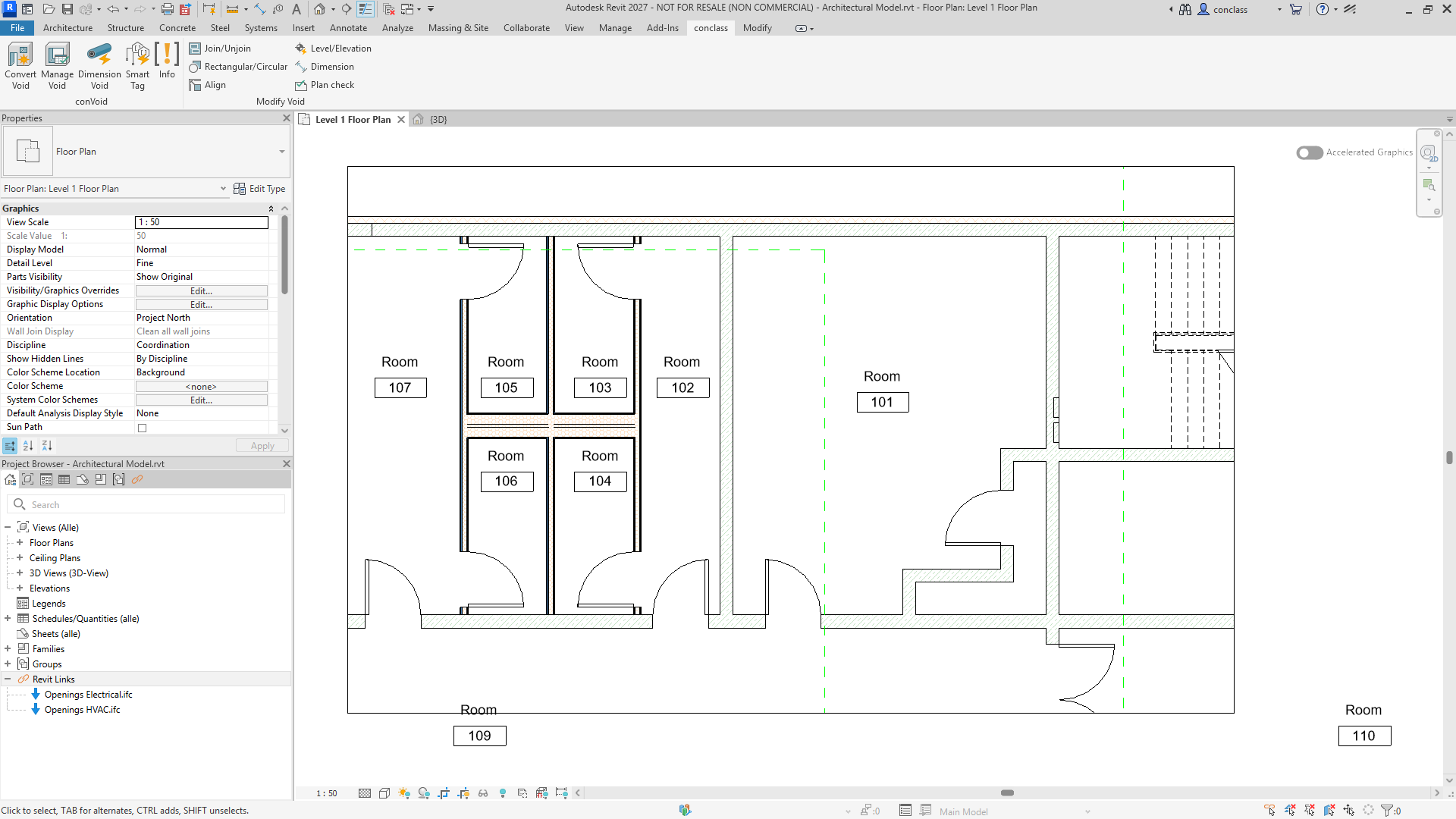
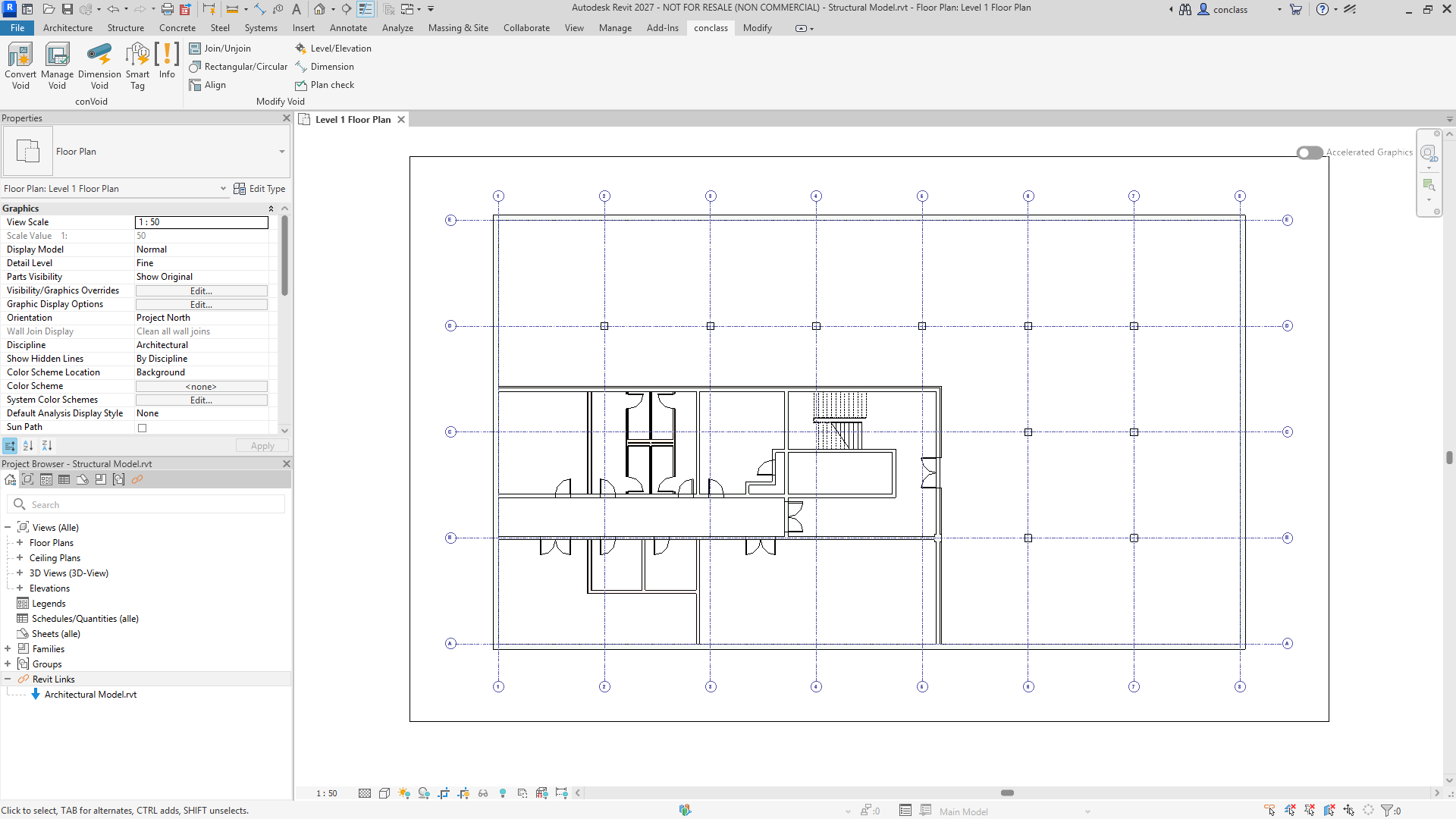
Option 2: 3D View with Section Box
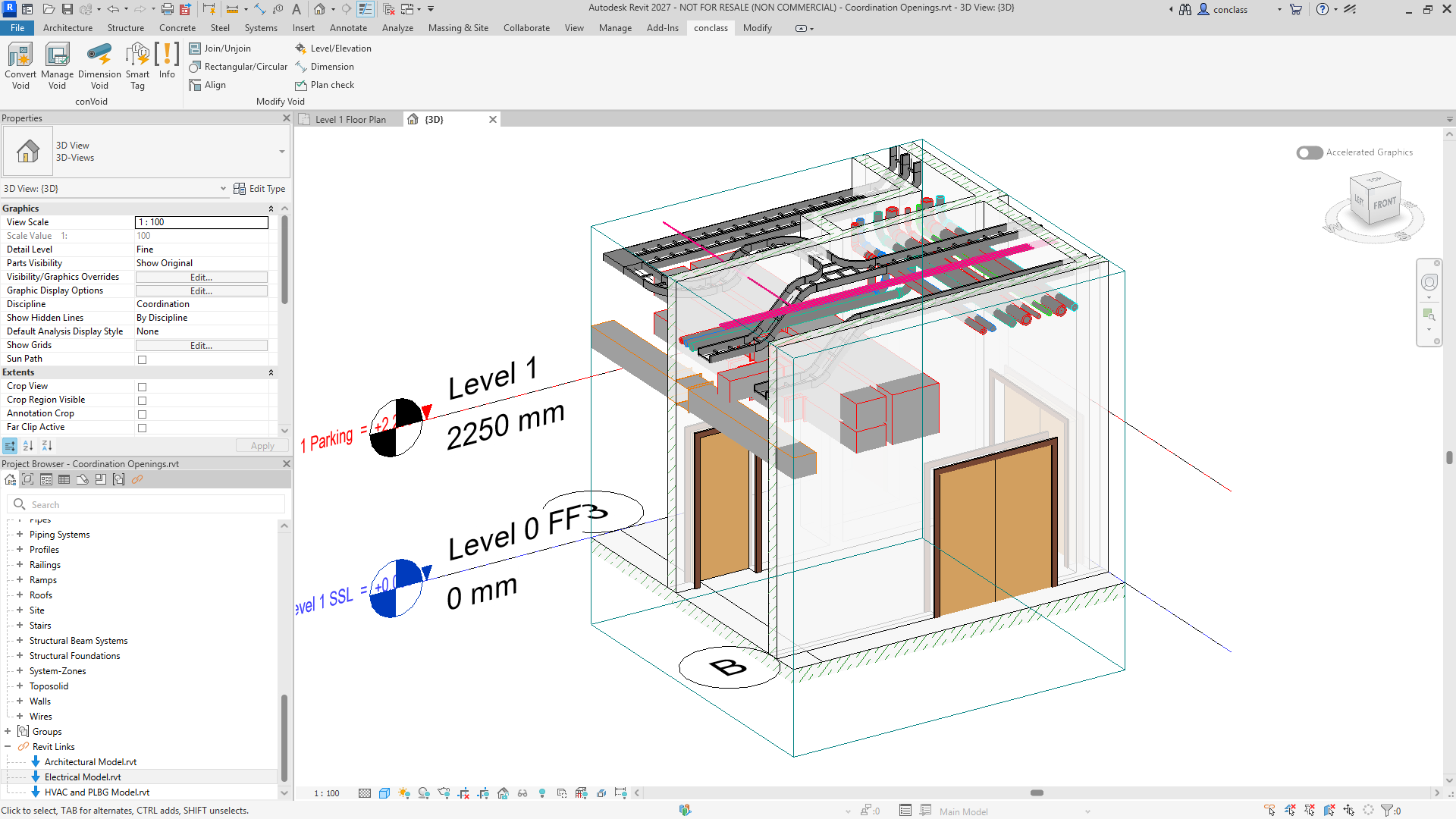
Open a 3D view and activate the Section Box to limit the visible volume. ConVoid will only process openings within the Section Box boundaries.
- Workflow A: Create Openings
- Workflow B: Adopt Openings
- Workflow C: Structural Openings
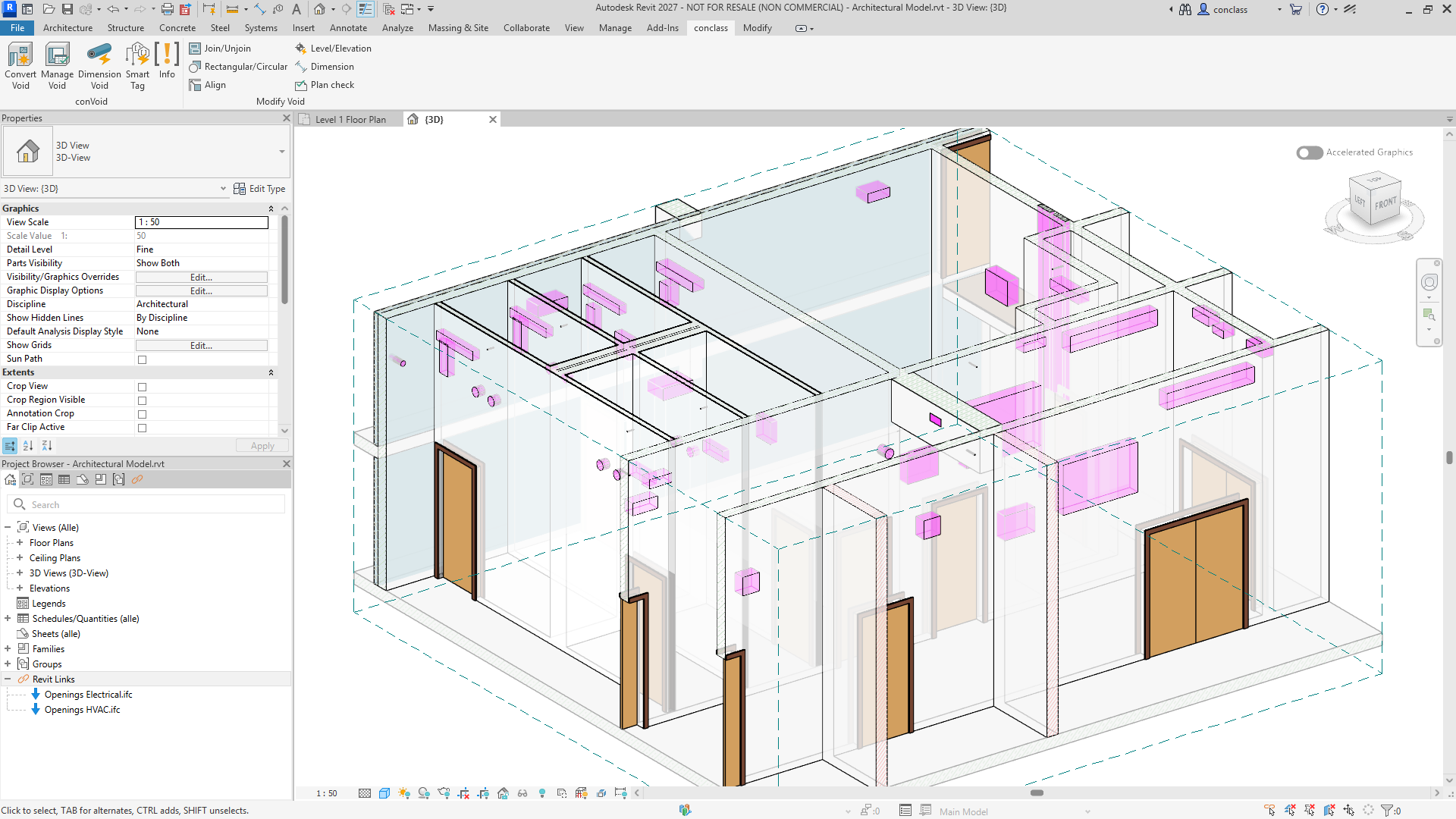
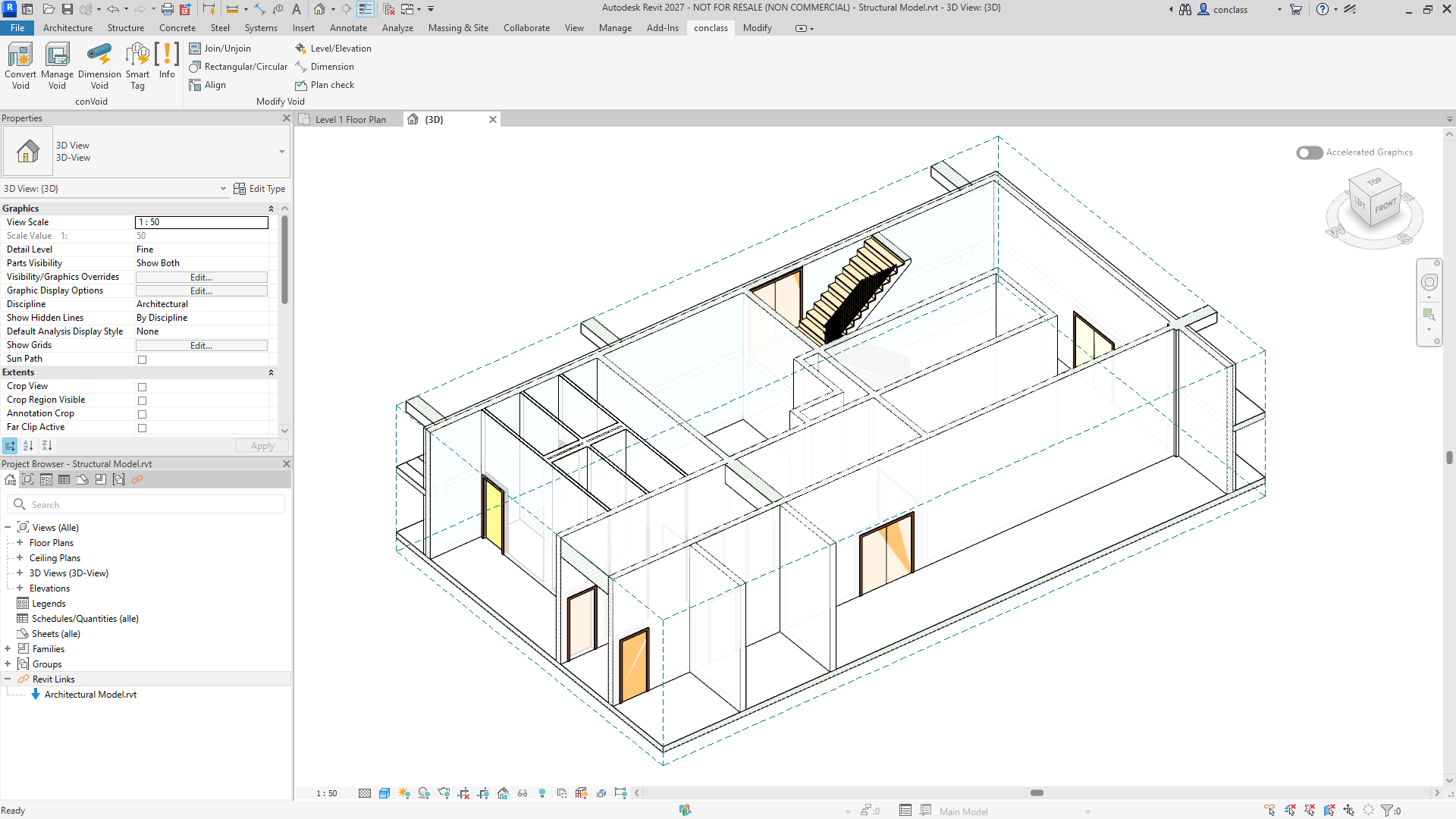
Start Small
For your first run, limit the scope to two or three floors. Verify the results before processing the entire building.